iPhone Screenshot Generator
Every app screenshot for iPhone, done properly: put your app into realistic iPhone mockups with a headline that sells — and export the exact iPhone sizes the App Store requires.
- Realistic iPhone frames
- 6.9", 6.7", 6.5" and 5.5" sizes
- Black, white, blue or frameless
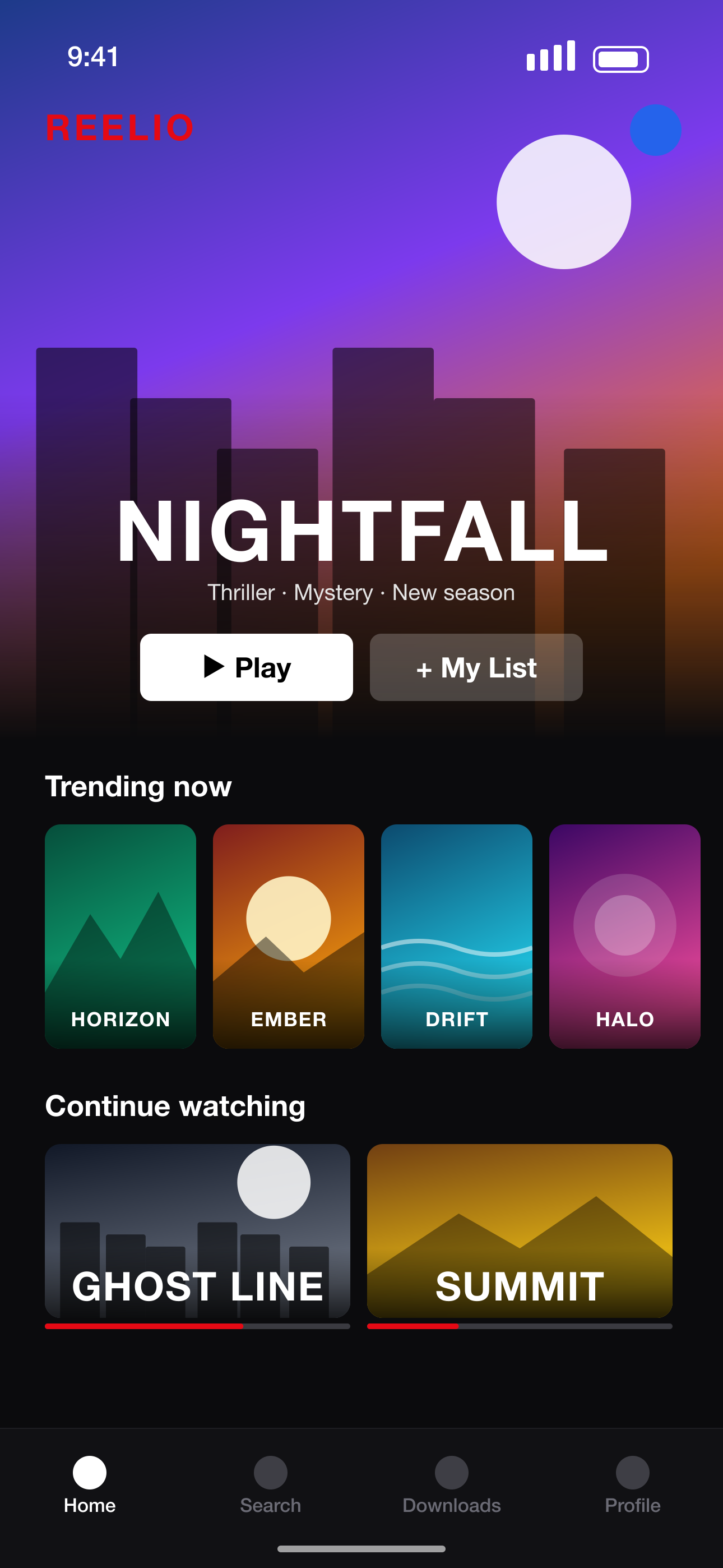 Your raw screenshot
How to generate iPhone screenshots
- 1
Upload iPhone screenshots
From any iPhone or the Simulator — resolution doesn't matter.
- 2
Choose a frame and style
Titanium black, natural, white or blue frames, or a frameless screen.
- 3
Add headlines
Write your own or let AI write them; adjust fonts, colors and effects.
- 4
Export iPhone sizes
1320×2868 for 6.9" plus 6.7", 6.5" and 5.5" if you support older devices.
Everything for iPhone listings
Current iPhone frames
Frames with Dynamic Island and soft shadows, tuned for modern iPhones.
3D and multi-phone layouts
Tilt phones in 3D, fan three screens together, or split one phone across two slides.
Exact pixel sizes
No guessing: every export matches Apple's iPhone screenshot specifications.
Preview before upload
See your iPhone set in an App Store-style search result and product page.
Screenshot sizes we export
Exact pixel sizes, PNG, sRGB and no transparency — the formats App Store Connect and Google Play Console accept.
| Device | Size | Pixels (portrait) | Store |
|---|---|---|---|
| iPhone 16/17 Pro Max | iPhone 6.9"REQUIRED | 1320 × 2868 | App Store |
| iPhone 15 Plus / 14 Pro Max | iPhone 6.7" | 1290 × 2796 | App Store |
| iPhone 11 Pro Max / XS Max | iPhone 6.5" | 1284 × 2778 | App Store |
| iPhone XS Max | iPhone 6.5" (legacy) | 1242 × 2688 | App Store |
| iPhone 8 Plus | iPhone 5.5" | 1242 × 2208 | App Store |
iPhone Screenshot Generator FAQ
What iPhone screenshot size does the App Store need?
6.9" screenshots at 1320×2868 portrait are required. Apple scales them for smaller iPhones, and you can optionally add 6.5" (1284×2778) and 5.5" (1242×2208).
Can I use screenshots from an older iPhone?
Yes — any iPhone resolution is fitted into the frame and exported at the required sizes.
Can I remove the phone frame?
Yes. Choose 'No frame' for a clean screen with rounded corners, or pick a frameless template.
Does it support landscape iPhone screenshots?
Sets are designed in portrait, the format most apps use; the Showcase layout can show a screen lying sideways.
More screenshot tools
Ready to make your screenshots?
Upload your screens and get a complete, store-ready set in minutes.
Create my screenshots