AI App Screenshot Generator
The app screenshot generator AI does the heavy lifting: upload your screens and click once. It reads each screenshot, writes benefit-led headlines, puts your strongest screen first and lays out the whole set.
- AI headlines in 28+ languages
- AI story order for a strong first impression
- One-click generation, fully editable
Before · your raw screenshots
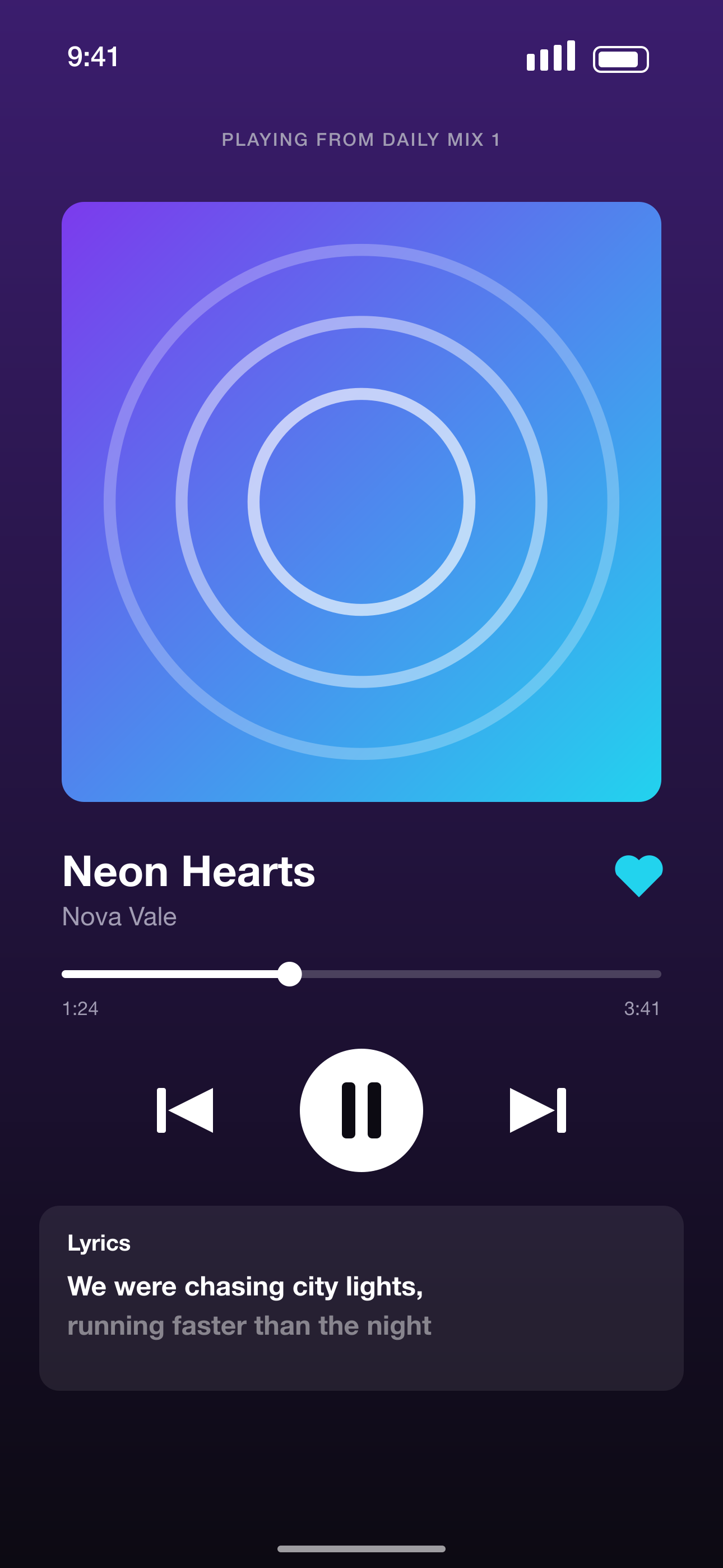
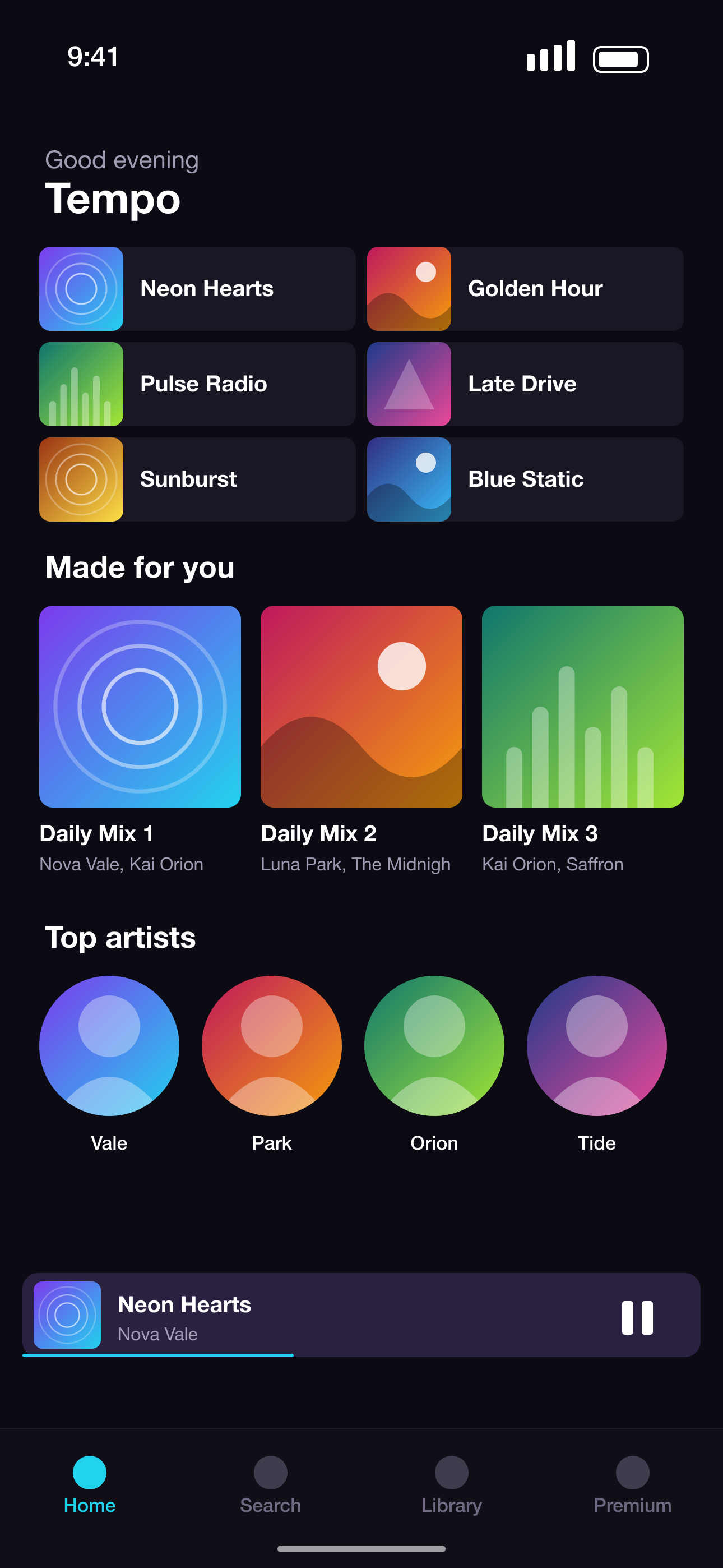
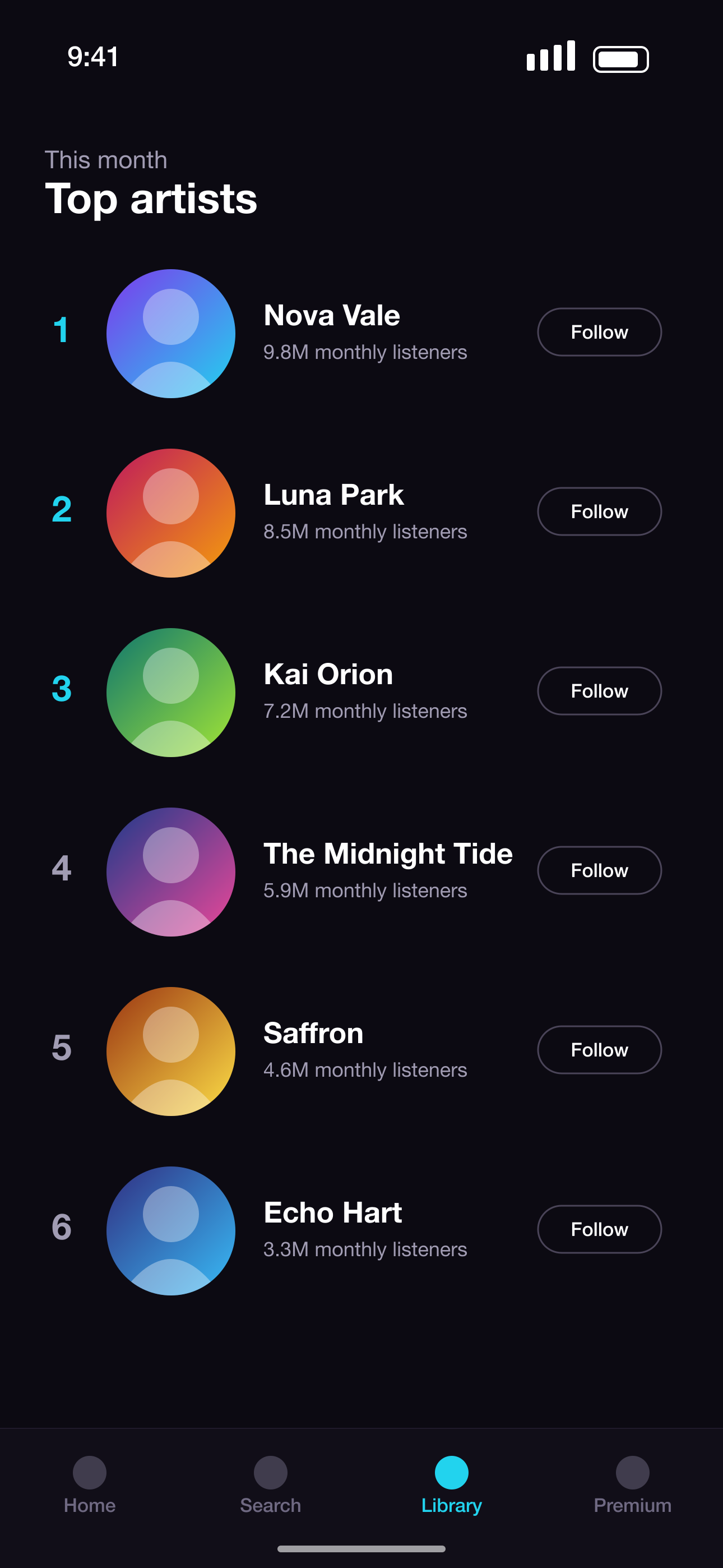
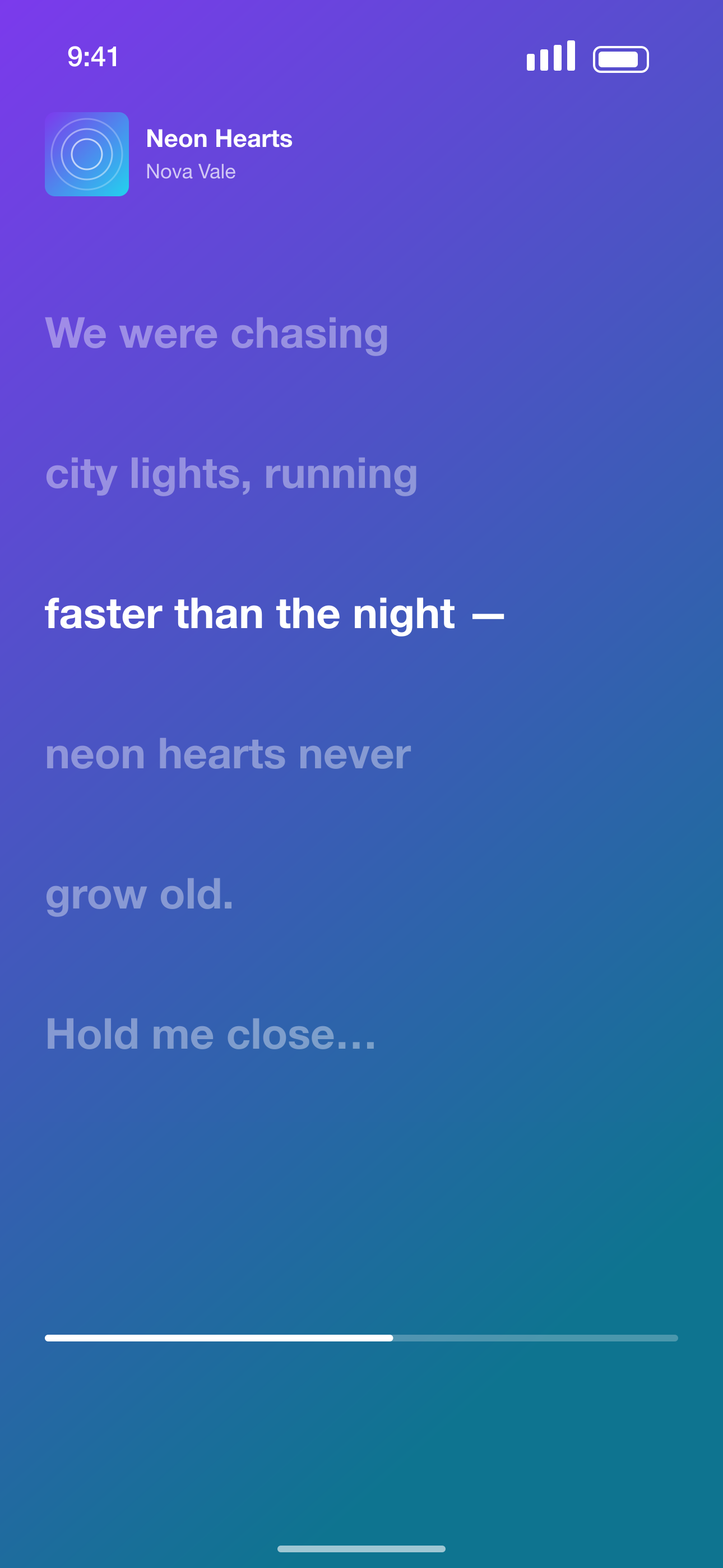
After · a complete store-ready set
What the AI does
- 1
Analyzes your screens
Looks at each screenshot and your app description to understand what the app does.
- 2
Writes the headlines
Short, benefit-led captions — no invented features or fake claims.
- 3
Orders the story
Core value first, then main feature, problem solved, outcome — the order that converts.
- 4
Chooses layouts
Picks a palette and a layout per slide that suits each screen.
AI that respects your app
Honest copy
The AI only describes what's visible or described — no made-up ratings, reviews or user counts.
Optimize order any time
Re-run ✨ Optimize order in the editor to get a recommended order with a reason for each slide.
AI translation
Transcreate headlines into 28+ languages so they still fit the layout.
You stay in control
Everything the AI makes is editable, and your screenshot order can be kept if you prefer.
Screenshot sizes we export
Exact pixel sizes, PNG, sRGB and no transparency — the formats App Store Connect and Google Play Console accept.
| Device | Size | Pixels (portrait) | Store |
|---|---|---|---|
| iPhone 16/17 Pro Max | iPhone 6.9"REQUIRED | 1320 × 2868 | App Store |
| iPhone 15 Plus / 14 Pro Max | iPhone 6.7" | 1290 × 2796 | App Store |
| iPhone 11 Pro Max / XS Max | iPhone 6.5" | 1284 × 2778 | App Store |
| iPhone XS Max | iPhone 6.5" (legacy) | 1242 × 2688 | App Store |
| iPhone 8 Plus | iPhone 5.5" | 1242 × 2208 | App Store |
| iPad Pro 13" (M4) / iPad Air 13" | iPad 13"REQUIRED | 2064 × 2752 | App Store |
| iPad Pro 12.9" (2nd–6th gen) | iPad 12.9" | 2048 × 2732 | App Store |
| iPad Pro 11" / iPad Air / iPad | iPad 11" | 1668 × 2388 | App Store |
| Phone · 9:16 Full HD | Android phone 1080×1920REQUIRED | 1080 × 1920 | Google Play |
| Phone · 9:16 QHD | Android phone 1440×2560 | 1440 × 2560 | Google Play |
| 7-inch tablet · 9:16 | Android tablet 7" | 1260 × 2240 | Google Play |
| 10-inch tablet · 9:16 | Android tablet 10"REQUIRED | 1620 × 2880 | Google Play |
AI App Screenshot Generator FAQ
How does the AI app screenshot generator work?
It reads your screenshots and app description, writes a headline and subheadline per screen, recommends the order and picks layouts. You review and edit everything.
Which AI model is used?
A leading vision-capable language model through a commercial API. Your screenshots aren't used to train models.
Will the AI invent features or reviews?
No. It's instructed to only use what's visible in your screens or your description, and never to add ratings, reviews or user numbers.
How many AI generations do I get?
The Free plan includes 3 AI generations per month — each one writes the headlines and picks layouts for a whole set. Pro includes 200 a month plus AI translation.
More screenshot tools
Ready to make your screenshots?
Upload your screens and get a complete, store-ready set in minutes.
Create my screenshots