App Mockup Generator
Turn plain app screens into polished mockup app screens: realistic iPhone, iPad and Android frames, 3D angles and multi-phone scenes — ready for stores, landing pages and socials.
- iPhone, iPad & Android frames
- 3D, tilted and multi-phone mockups
- Frameless and aesthetic styles
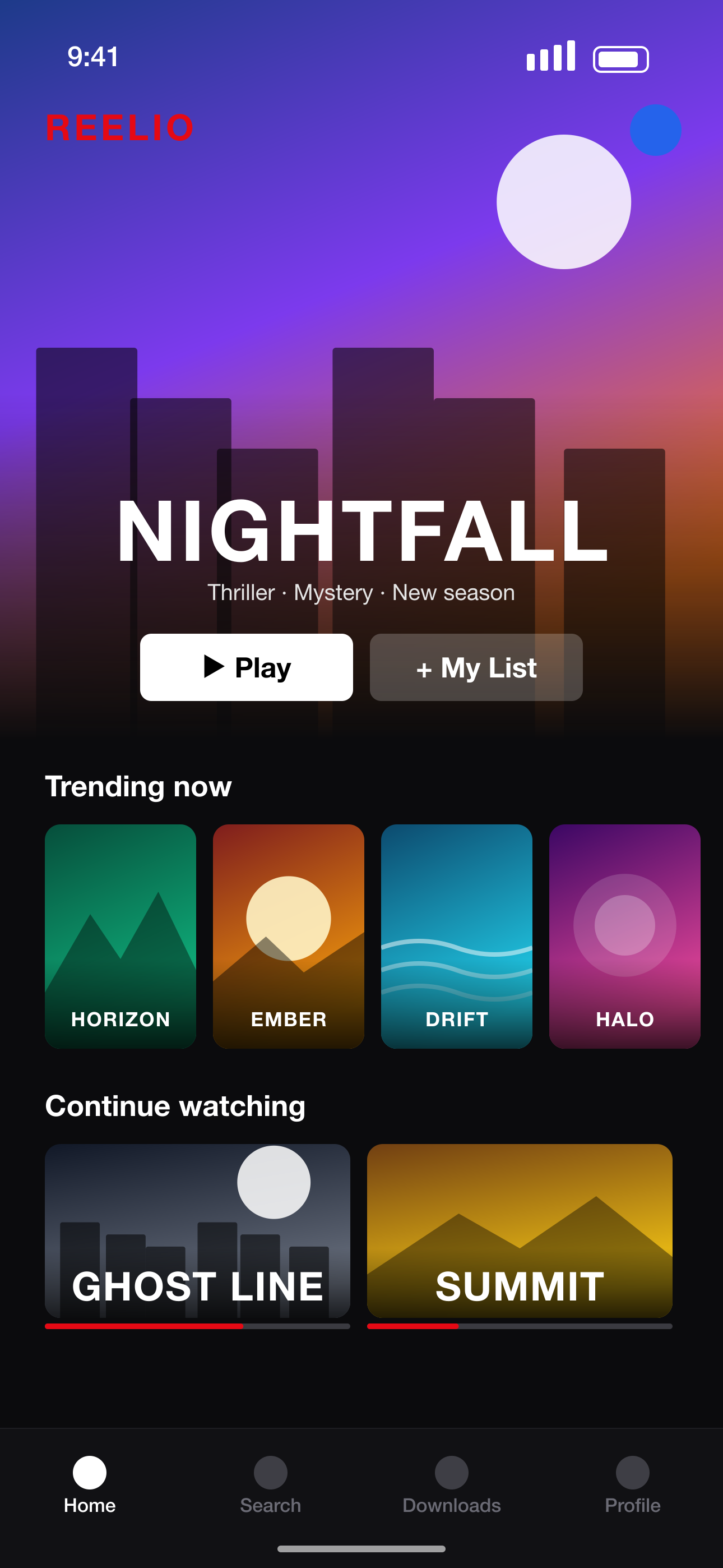 Your raw screenshot
How to create app mockups
- 1
Add your app screens
Upload screenshots of your app — any size.
- 2
Choose a mockup style
Single phone, two or three phones, 3D perspective, isometric, or frameless.
- 3
Style the scene
Backgrounds, palettes, glows, stickers, arrows and headlines.
- 4
Export images
Download high-resolution PNG mockups at store sizes.
A mockup studio for app screens
Realistic device frames
Black, natural, white and blue frames, Android punch-hole phones and slim tablets.
Multi-screen scenes
Duo, Trio and Showcase layouts put two or three app screens in one image.
3D mockups
Perspective, isometric and stacked 3D phones — plus 3D turn and lean sliders for any phone.
App screen image creation for launches
App screen creation doesn't stop at the store — use the same mockups for your website hero and launch posts.
Screenshot sizes we export
Exact pixel sizes, PNG, sRGB and no transparency — the formats App Store Connect and Google Play Console accept.
| Device | Size | Pixels (portrait) | Store |
|---|---|---|---|
| iPhone 16/17 Pro Max | iPhone 6.9"REQUIRED | 1320 × 2868 | App Store |
| iPhone 15 Plus / 14 Pro Max | iPhone 6.7" | 1290 × 2796 | App Store |
| iPhone 11 Pro Max / XS Max | iPhone 6.5" | 1284 × 2778 | App Store |
| iPhone XS Max | iPhone 6.5" (legacy) | 1242 × 2688 | App Store |
| iPhone 8 Plus | iPhone 5.5" | 1242 × 2208 | App Store |
| iPad Pro 13" (M4) / iPad Air 13" | iPad 13"REQUIRED | 2064 × 2752 | App Store |
| iPad Pro 12.9" (2nd–6th gen) | iPad 12.9" | 2048 × 2732 | App Store |
| iPad Pro 11" / iPad Air / iPad | iPad 11" | 1668 × 2388 | App Store |
| Phone · 9:16 Full HD | Android phone 1080×1920REQUIRED | 1080 × 1920 | Google Play |
| Phone · 9:16 QHD | Android phone 1440×2560 | 1440 × 2560 | Google Play |
| 7-inch tablet · 9:16 | Android tablet 7" | 1260 × 2240 | Google Play |
| 10-inch tablet · 9:16 | Android tablet 10"REQUIRED | 1620 × 2880 | Google Play |
App Mockup Generator FAQ
What is an app mockup?
An image of your app's screens shown inside a device frame and scene, used to present the app on stores, websites and social media.
Can I make mockups for Android and iPhone?
Yes — iPhone, iPad, Android phone and Android tablet frames are all included.
Can I show several app screens in one mockup?
Yes. Duo shows two, Trio and Showcase show three, and Split phone spreads one phone across two slides.
Can I use the mockups outside the app stores?
Yes — download the PNGs and use them on your website, pitch decks or social posts.
More screenshot tools
Ready to make your screenshots?
Upload your screens and get a complete, store-ready set in minutes.
Create my screenshots