App Store Screenshot Generator
Turn raw app screens into a polished, on-brand App Store screenshot set — headlines, device frames and every required size — without Figma or a designer.
- Every required iPhone and iPad size
- 40+ templates and 18 palettes
- Exports ready for App Store Connect
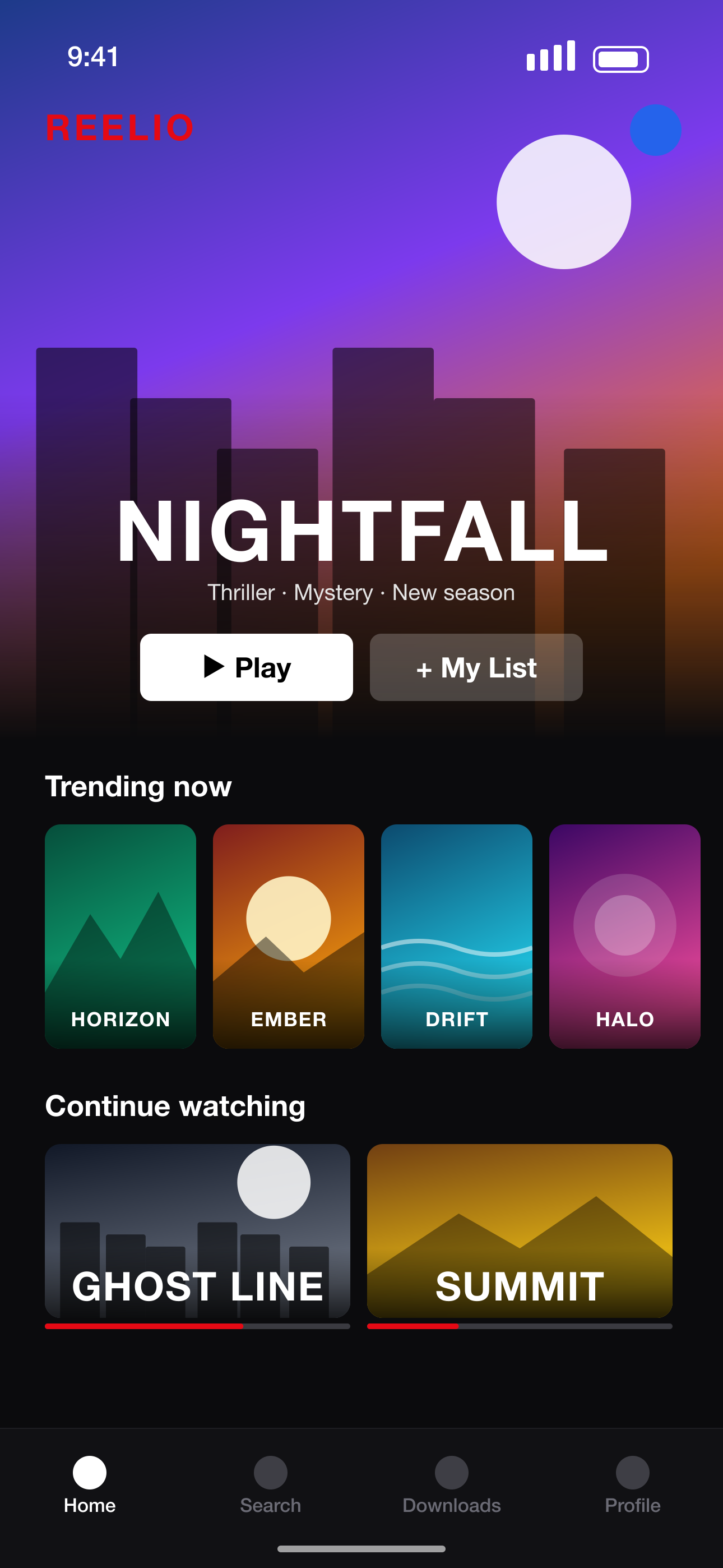 Your raw screenshot
How to make App Store screenshots
- 1
Upload your screens
Drop in PNG or JPEG screenshots straight from the simulator or your iPhone — any resolution.
- 2
Pick a look
Choose a template and palette, or let AI pick a layout for each screen.
- 3
Write the headlines
AI writes short, benefit-led captions for each screenshot. Edit anything on the canvas.
- 4
Export for App Store Connect
Download PNGs at the exact 6.9", 6.5" and iPad sizes Apple asks for, organised by language.
Why use an App Store screenshot generator
Exact App Store sizes
1320×2868 for 6.9" iPhones, 2064×2752 for 13" iPads and every other accepted size — no alpha channel, sRGB, ready to upload.
Design that converts
Screenshots are the biggest visual on your product page. Clear headlines and strong first slides lift downloads.
Consistent sets
One palette and style across every slide, with the option to mix layouts slide by slide.
Localize in one click
Translate headlines into 28+ App Store languages and export each locale.
Screenshot sizes we export
Exact pixel sizes, PNG, sRGB and no transparency — the formats App Store Connect and Google Play Console accept.
| Device | Size | Pixels (portrait) | Store |
|---|---|---|---|
| iPhone 16/17 Pro Max | iPhone 6.9"REQUIRED | 1320 × 2868 | App Store |
| iPhone 15 Plus / 14 Pro Max | iPhone 6.7" | 1290 × 2796 | App Store |
| iPhone 11 Pro Max / XS Max | iPhone 6.5" | 1284 × 2778 | App Store |
| iPhone XS Max | iPhone 6.5" (legacy) | 1242 × 2688 | App Store |
| iPhone 8 Plus | iPhone 5.5" | 1242 × 2208 | App Store |
| iPad Pro 13" (M4) / iPad Air 13" | iPad 13"REQUIRED | 2064 × 2752 | App Store |
| iPad Pro 12.9" (2nd–6th gen) | iPad 12.9" | 2048 × 2732 | App Store |
| iPad Pro 11" / iPad Air / iPad | iPad 11" | 1668 × 2388 | App Store |
App Store Screenshot Generator FAQ
What size are App Store screenshots?
Apple requires 6.9" iPhone screenshots at 1320×2868 (portrait) and, if your app runs on iPad, 13" iPad screenshots at 2064×2752. Smaller sizes are scaled from these. PitchPane exports all of them.
How many screenshots can I upload to the App Store?
Up to 10 per device size and language. The first three appear in search results, so lead with your strongest screens.
Do I need design skills?
No. Templates handle the layout and AI writes the headlines — you just upload screenshots and adjust anything you like.
Is it free?
Yes. The Free plan lets you design a full set and export it in your current design size (like the required 6.9" iPhone size), with a small watermark. Pro removes the watermark, exports every App Store & Google Play size at once, and unlocks unlimited projects and AI translation.
More screenshot tools
Ready to make your screenshots?
Upload your screens and get a complete, store-ready set in minutes.
Create my screenshots