App Store Screenshot Templates
Start from a professionally designed app screenshot template — then change anything. Every template works with every palette, app category and device size.
- 40+ layouts, 18 palettes
- Mix layouts slide by slide
- Fully editable text and colors
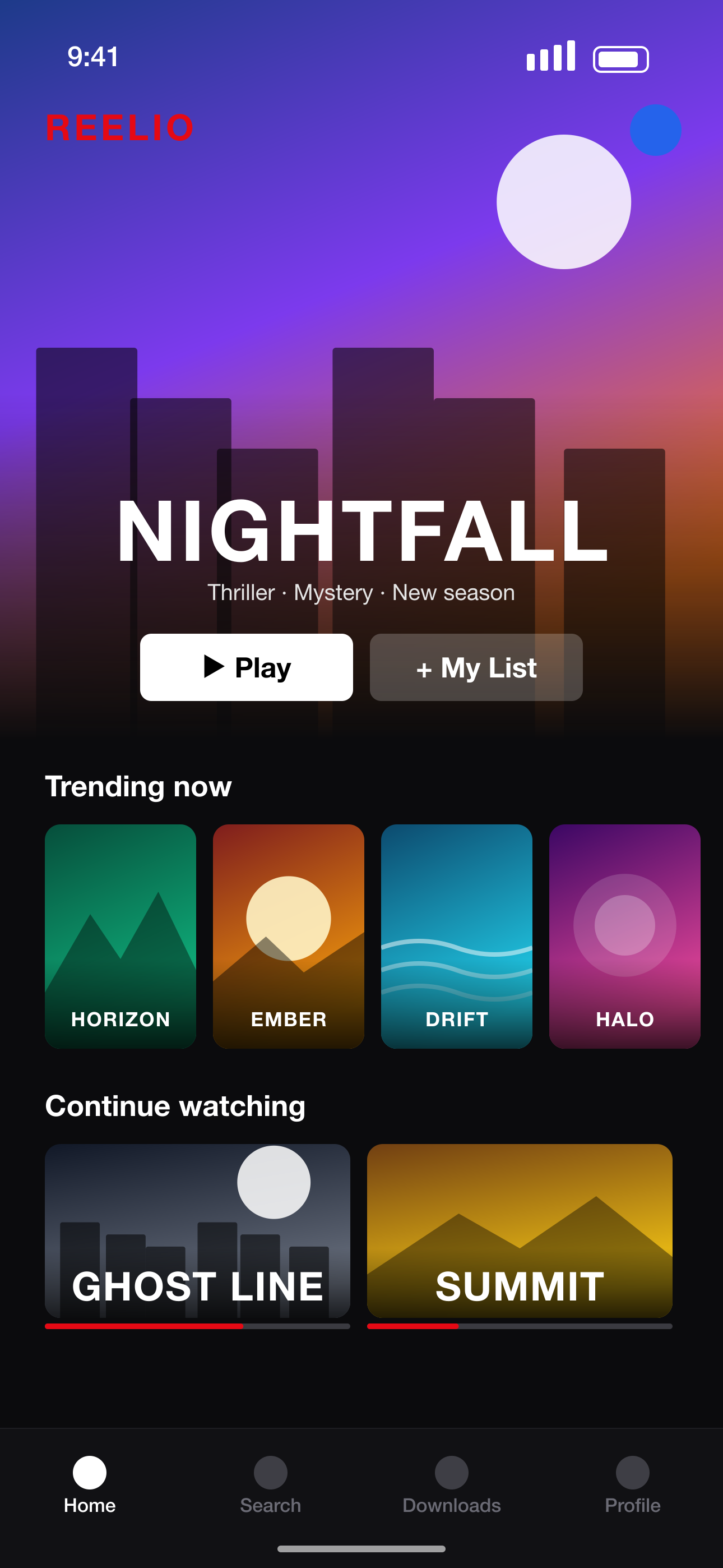 Your raw screenshot
How to use an App Store screenshot template
- 1
Browse the templates
Minimal, gradient, 3D, neon, editorial, chat bubbles, split phones and more.
- 2
Apply to your screenshots
Every preview uses your own screens, so you see the real result before choosing.
- 3
Customize
Change colors, fonts, text effects, device frames and position — or mix a different template on each slide.
- 4
Export
Download your set as a ZIP in your current design size — Pro exports every App Store & Google Play size and language at once.
Templates for every kind of app
Styles for every category
Finance, games, fitness, education, food, music, productivity — 26 App Store categories with a recommended look.
Aesthetic and bold options
Soft blobs and pastel mixes, neon glows and cinema labels, 3D perspective and multi-phone showcases.
Multi-device layouts
Duo, Trio and Showcase layouts show two or three screens in one screenshot.
Consistent by default
One palette across the set keeps it on-brand, even with different layouts per slide.
Screenshot sizes we export
Exact pixel sizes, PNG, sRGB and no transparency — the formats App Store Connect and Google Play Console accept.
| Device | Size | Pixels (portrait) | Store |
|---|---|---|---|
| iPhone 16/17 Pro Max | iPhone 6.9"REQUIRED | 1320 × 2868 | App Store |
| iPhone 15 Plus / 14 Pro Max | iPhone 6.7" | 1290 × 2796 | App Store |
| iPhone 11 Pro Max / XS Max | iPhone 6.5" | 1284 × 2778 | App Store |
| iPhone XS Max | iPhone 6.5" (legacy) | 1242 × 2688 | App Store |
| iPhone 8 Plus | iPhone 5.5" | 1242 × 2208 | App Store |
| iPad Pro 13" (M4) / iPad Air 13" | iPad 13"REQUIRED | 2064 × 2752 | App Store |
| iPad Pro 12.9" (2nd–6th gen) | iPad 12.9" | 2048 × 2732 | App Store |
| iPad Pro 11" / iPad Air / iPad | iPad 11" | 1668 × 2388 | App Store |
| Phone · 9:16 Full HD | Android phone 1080×1920REQUIRED | 1080 × 1920 | Google Play |
| Phone · 9:16 QHD | Android phone 1440×2560 | 1440 × 2560 | Google Play |
| 7-inch tablet · 9:16 | Android tablet 7" | 1260 × 2240 | Google Play |
| 10-inch tablet · 9:16 | Android tablet 10"REQUIRED | 1620 × 2880 | Google Play |
App Store Screenshot Templates FAQ
Are the App Store screenshot templates free?
Yes — every template is available on the Free plan. Pro removes the small watermark from exports.
Can I edit the templates?
Completely: text, fonts, colors, backgrounds, device frames, sizes and positions, plus stickers, arrows and images.
Do the templates work for Google Play too?
Yes. Every template adapts to Android phone and tablet sizes as well as iPhone and iPad.
Can I use a different template on each screenshot?
Yes. Pick a layout per slide, or use Mix for an automatically varied set.
More screenshot tools
Ready to make your screenshots?
Upload your screens and get a complete, store-ready set in minutes.
Create my screenshots