App Launch Checklist
Launching an app? Your store listing is your launch pad. Use this checklist to prepare screenshots, copy and assets for the App Store and Google Play — and avoid last-minute rejections.
- Screenshot sizes & rules
- Copy that converts
- Launch-day steps
Before · your raw screenshots
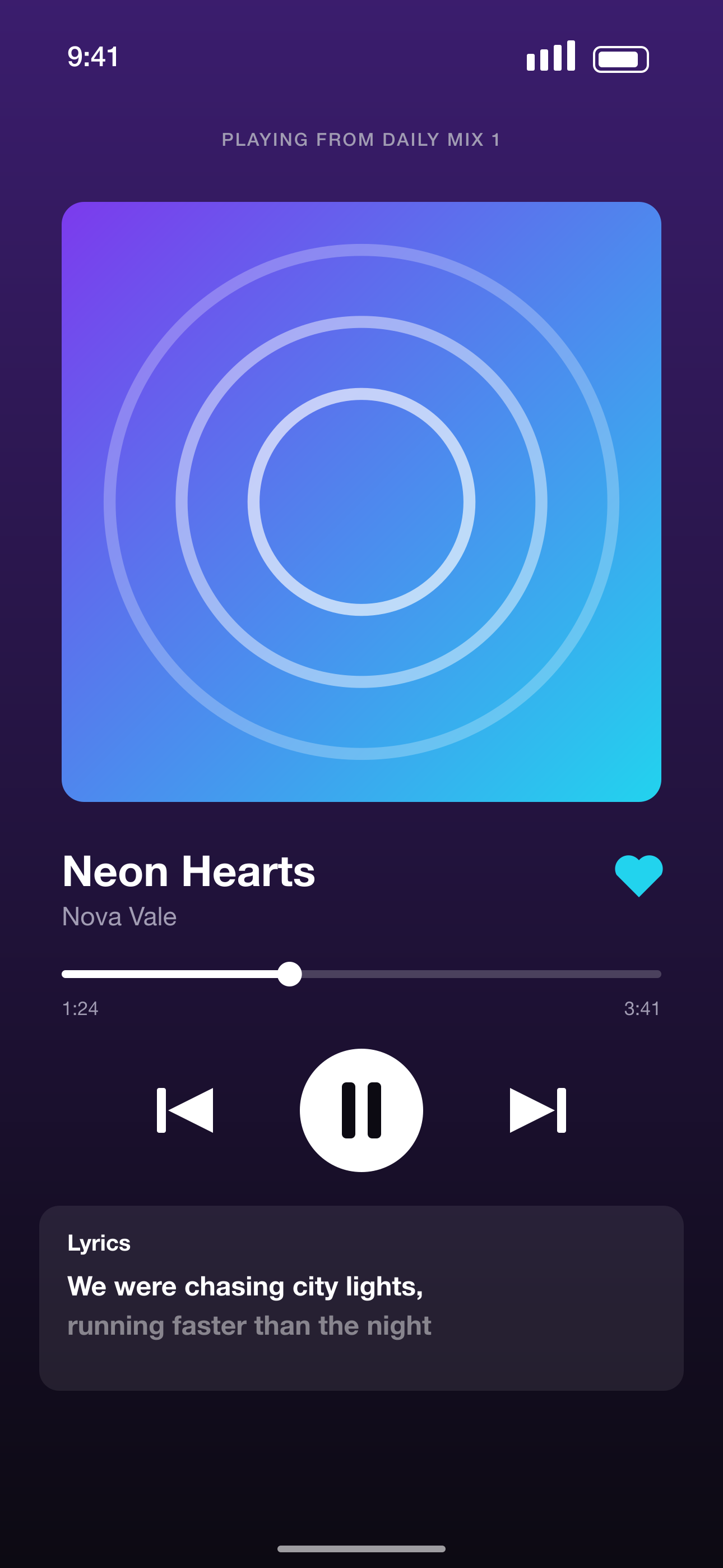
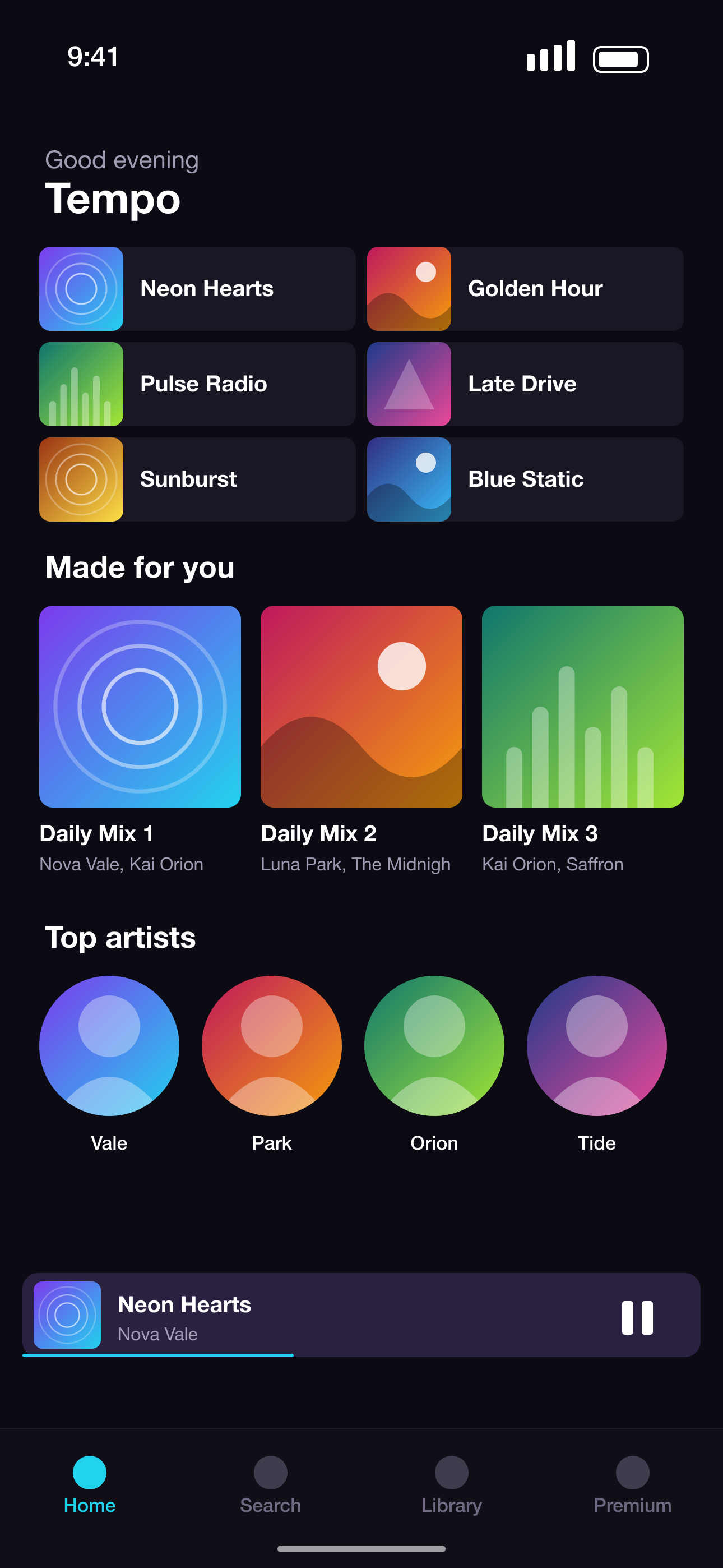
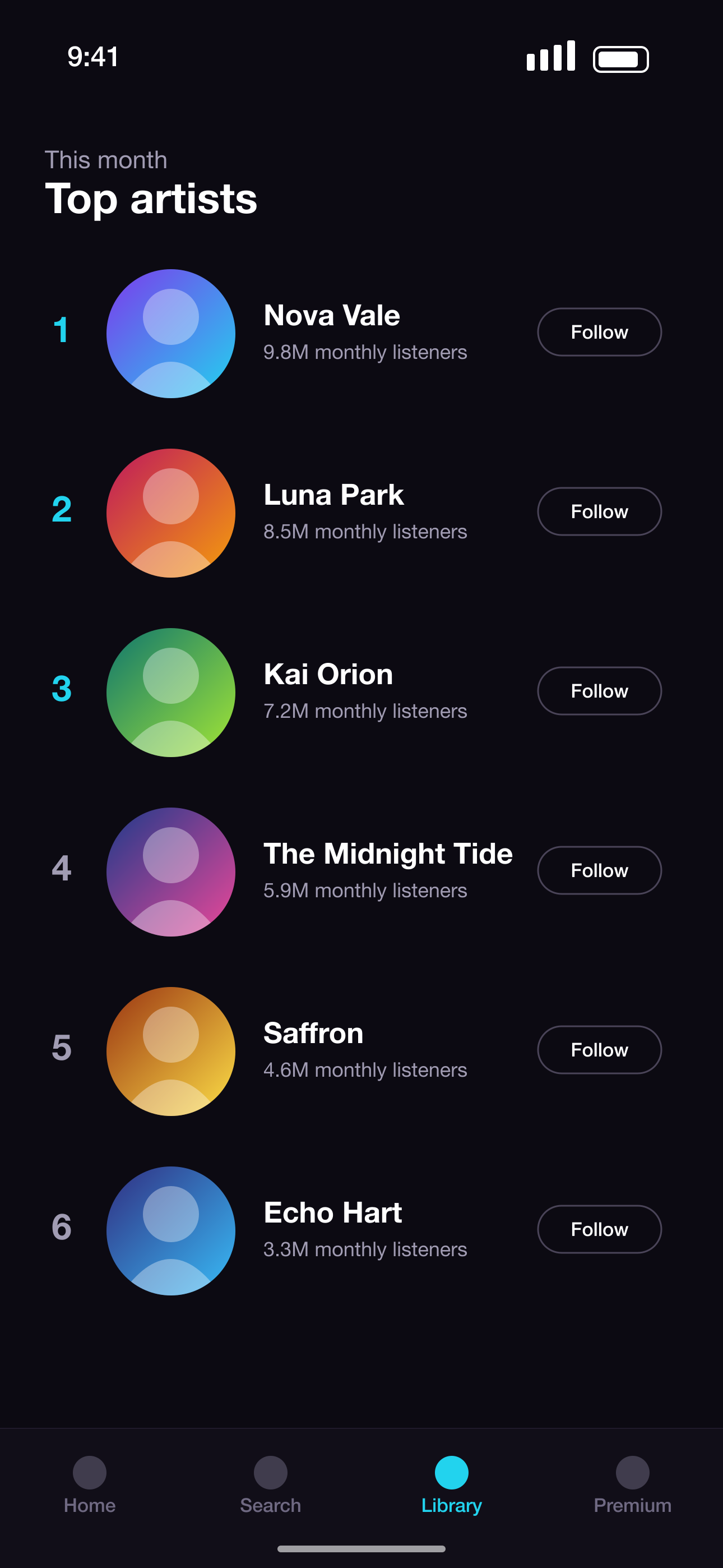
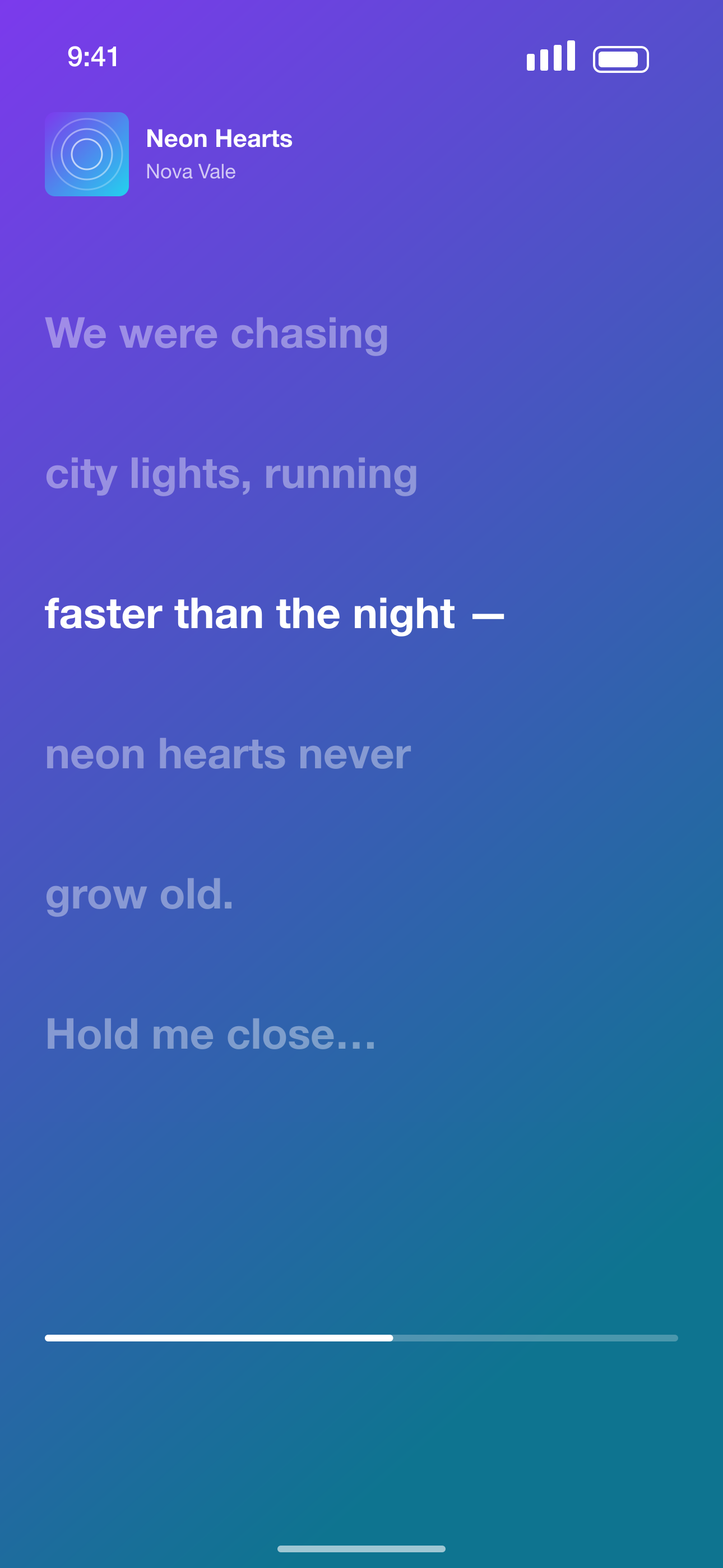
After · a complete store-ready set
The store listing checklist
- 1
Pick your strongest screens
Choose 5–8 screens that show real value. Most people only see the first three.
- 2
Write benefit-led headlines
Sell outcomes, not feature names — 2–6 words each.
- 3
Order the story
Core value first, then main feature, problem solved and proof you can show.
- 4
Export every required size
6.9" iPhone and 13" iPad for Apple; 9:16 phone and tablet sets for Google Play.
- 5
Localize for key markets
Translate headlines for your top countries — localized listings convert better.
- 6
Check the rules
No fake ratings or unreadable text; show the actual app; iPad sets need iPad screens.
- 7
Preview in context
See your set in a store-style search result before uploading.
- 8
Plan launch day
Upload early, submit for review with time to spare, and prepare posts using the same visuals.
How PitchPane helps with app launch preparation
Screenshots in minutes
Generate a complete, on-brand set from raw screens in one click.
AI story order
Get a recommended order with a reason for each slide.
Every store, every size
One export covers App Store and Google Play phone sizes.
Store-style preview
Check how your set looks in search results before you submit.
Screenshot sizes we export
Exact pixel sizes, PNG, sRGB and no transparency — the formats App Store Connect and Google Play Console accept.
| Device | Size | Pixels (portrait) | Store |
|---|---|---|---|
| iPhone 16/17 Pro Max | iPhone 6.9"REQUIRED | 1320 × 2868 | App Store |
| iPhone 15 Plus / 14 Pro Max | iPhone 6.7" | 1290 × 2796 | App Store |
| iPhone 11 Pro Max / XS Max | iPhone 6.5" | 1284 × 2778 | App Store |
| iPhone XS Max | iPhone 6.5" (legacy) | 1242 × 2688 | App Store |
| iPhone 8 Plus | iPhone 5.5" | 1242 × 2208 | App Store |
| iPad Pro 13" (M4) / iPad Air 13" | iPad 13"REQUIRED | 2064 × 2752 | App Store |
| iPad Pro 12.9" (2nd–6th gen) | iPad 12.9" | 2048 × 2732 | App Store |
| iPad Pro 11" / iPad Air / iPad | iPad 11" | 1668 × 2388 | App Store |
| Phone · 9:16 Full HD | Android phone 1080×1920REQUIRED | 1080 × 1920 | Google Play |
| Phone · 9:16 QHD | Android phone 1440×2560 | 1440 × 2560 | Google Play |
| 7-inch tablet · 9:16 | Android tablet 7" | 1260 × 2240 | Google Play |
| 10-inch tablet · 9:16 | Android tablet 10"REQUIRED | 1620 × 2880 | Google Play |
App Launch Checklist FAQ
When should I prepare store screenshots for an app launch?
At least a week before submission, so you can review them, localize and still leave time for App Review.
How many screenshots should I use?
The App Store allows up to 10 and Google Play up to 8 per device type. 5–8 strong ones usually beat 10 weak ones.
Do screenshots affect downloads?
Yes — they're the largest visual on your product page and the first thing people see in search results.
What gets screenshots rejected?
Not showing the app in use, misleading content, wrong sizes, or iPad screenshots that are really phone screens.
More screenshot tools
Ready to make your screenshots?
Upload your screens and get a complete, store-ready set in minutes.
Create my screenshots